

Download QPict Media Organizer – Media Asset Management, Cataloger for Mac
Overview
QPict Media Organizer is a dedicated media asset management solution designed specifically for macOS users who need a fast, lightweight cataloguer for photos, RAW files, and other visual assets. Launched in 2006 and currently at version 7.1.1, the trial edition offers a streamlined interface that lets you import, tag, and browse large image collections without the bloat of full‑blown digital asset management suites. The software supports a wide range of formats—including the newer Hasselblad CFV and H3D RAW types—while also addressing common pitfalls such as incorrect resolution reporting and missing EXIF dates.
Although the last official update was released on February 22 2010, QPict Media Organizer remains popular in niche circles, especially among professional photographers and hobbyists in the United States and Slovakia. Its modest disk footprint makes it an attractive option for machines with limited storage, and the English‑only UI keeps the learning curve gentle for most users. Whether you are cataloguing a family photo archive or managing a professional shoot’s raw files, QPict provides essential tools—search, zoom, and list navigation—wrapped in a clean, Mac‑native design.
Key Features
- Support for Hasselblad CFV & H3D RAW formats, extending compatibility to high‑end camera systems.
- Advanced EXIF handling that restores missing digitised dates for RAW files.
- Dynamic search field in the toolbar that opens images directly when pressing Enter.
- Zoom‑slider with refined index window text, eliminating garbled information during navigation.
- Robust cataloguing list that prevents drawing outside bounds when scrolling, ensuring a stable visual experience.
- Lightweight installation footprint, leaving more free space for your media libraries.
- Intuitive thumbnail preview and batch‑rename capabilities for rapid organization.
- Multi‑column view options that let you sort by filename, date, resolution, or custom tags.
- Export functionality to common formats (CSV, XML) for integration with other asset management tools.
- Trial version that allows full access to core features for evaluation before purchase.
Installation & First‑Time Use
Getting QPict Media Organizer up and running on your Mac is straightforward. Begin by downloading the trial installer from the official website or a trusted software repository. The file arrives as a compressed .dmg package, which you open by double‑clicking. Drag the QPict icon into the Applications folder, then eject the virtual disk. Upon first launch, macOS will prompt you to confirm that you trust the developer; click “Open” to proceed.
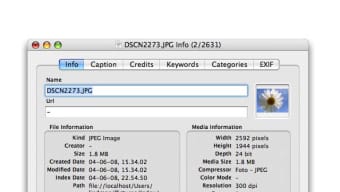
After the application starts, you will be greeted by a welcome screen that offers to import an existing folder of images or create a new catalog. Choose “Create New Catalog,” give it a descriptive name, and select the destination folder where the index file will be stored. QPict then scans the chosen directory, generating thumbnails and extracting metadata such as camera model, aperture, and exposure time.
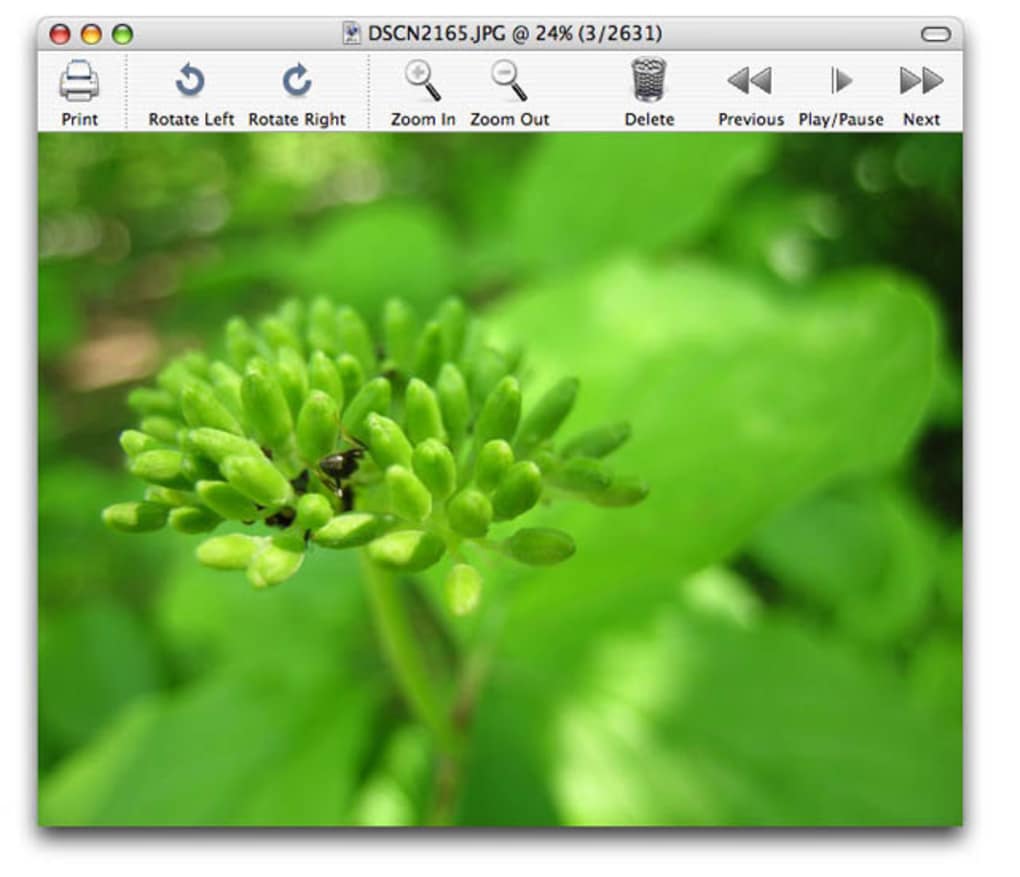
The main window is divided into three panes: a navigation sidebar, a central thumbnail grid, and an information panel on the right. Use the toolbar’s search field to locate images by filename or tag; pressing Enter opens the selected file in the built‑in preview. The zoom slider, located at the top right, lets you adjust thumbnail size without losing image quality. To add tags, select one or more images, right‑click, and choose “Add Tag.” These tags become searchable, making future retrieval effortless.
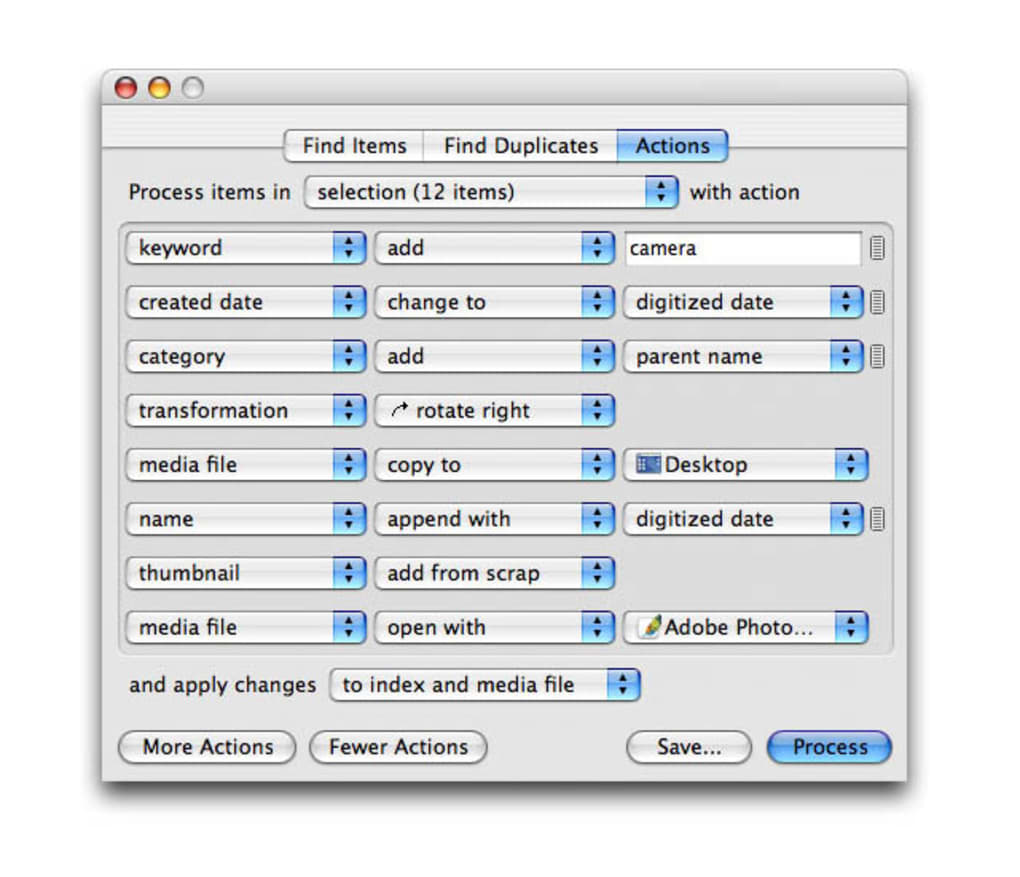
For power users, the “Preferences” dialog (accessed via the QPict menu) offers options to configure default import paths, choose between auto‑rename or preserve original filenames, and enable or disable automatic EXIF correction. Remember to save your catalog regularly; the application automatically backs up the index file every five minutes, but a manual “Save As” ensures you have a portable copy.
Compatibility & System Requirements
QPict Media Organizer is built exclusively for macOS, supporting Mac OS X 10.4 (Tiger) through macOS 10.15 (Catalina). While the software was originally released for older versions, it remains functional on modern systems as long as the 32‑bit compatibility layer is available. The application runs natively on Intel‑based Macs; however, users with Apple Silicon (M1/M2) can operate QPict through Rosetta 2 translation without performance loss.
Minimum hardware specifications include a 1 GHz processor, 512 MB of RAM, and at least 100 MB of free disk space for the program itself. Because QPict processes high‑resolution RAW files, having an additional 1–2 GB of free space for temporary cache is advisable, especially when working with large photo shoots. The software requires no external plugins or third‑party libraries, making installation a clean, one‑step process.
In terms of language support, QPict Media Organizer is offered only in English, which simplifies the UI but may limit accessibility for non‑English speakers. The trial version is fully functional for 30 days, after which you can purchase a license to unlock continued use and receive future updates—though the last official patch dates back to 2010, the core functionality remains stable.
Pros and Cons
Advantages
- Lightweight footprint leaves ample storage for large media libraries.
- Native macOS design ensures smooth integration with Finder and other system services.
- Broad RAW format support, including niche Hasselblad files.
- Robust tagging and search capabilities streamline asset retrieval.
- Free trial provides full access to features before purchase.
Drawbacks
- Last software update was over a decade ago, so newer macOS features may not be fully supported.
- English‑only interface may be a barrier for international users.
- No mobile companion apps for iOS or Android, limiting cross‑device workflow.
- Limited export options compared to enterprise‑level DAM solutions.
- Trial version expires after 30 days, requiring a paid license for continued use.
Frequently Asked Questions
Is QPict Media Organizer compatible with the latest macOS versions?
Yes, QPict runs on macOS 10.15 (Catalina) and can be executed on newer versions using Rosetta 2 for Apple Silicon Macs. While the UI remains unchanged, core functions such as file indexing and RAW handling work reliably.
Can I import video files into QPict?
QPict Media Organizer focuses on image assets; it does not natively support video formats. Users who need video cataloguing should consider a dedicated DAM tool alongside QPict for photos.
How does the trial version differ from the full license?
The trial provides unrestricted access to all features for 30 days. After the trial expires, the application will prompt you to purchase a license to continue using the software without interruption.
Is there a way to batch‑rename files within QPict?
Yes, QPict includes a batch‑rename utility in the Tools menu. You can define naming patterns based on date, sequence numbers, or custom text, which speeds up organization of large shoots.
What support is available for users who encounter bugs?
Because the product is no longer actively developed, official support is limited. However, a community forum exists where users share work‑arounds and patches for common issues such as EXIF date loss.
Conclusion & Call to Action
QPict Media Organizer remains a solid choice for Mac users seeking a lightweight, purpose‑built cataloguer for photographic assets. Its emphasis on RAW support, intuitive tagging, and minimal system impact makes it especially valuable for professionals who cannot afford the overhead of heavyweight DAM platforms. While the lack of recent updates and an English‑only interface are notable limitations, the trial version still offers a full‑feature glimpse into a tool that can dramatically improve your workflow. If you need a fast, secure way to organize thousands of images without sacrificing disk space, download QPict Media Organizer today, explore the 30‑day trial, and decide whether the streamlined experience meets your creative needs.
QPict Media Organizer delivers a surprisingly capable cataloguing experience for its age. The interface feels native to macOS, and the RAW handling is still relevant for niche camera models. Users should be aware of the dated update cycle, but for photographers who value simplicity over cloud‑based features, it’s a worthwhile addition.







